Spline Jig Guide
Step 1:
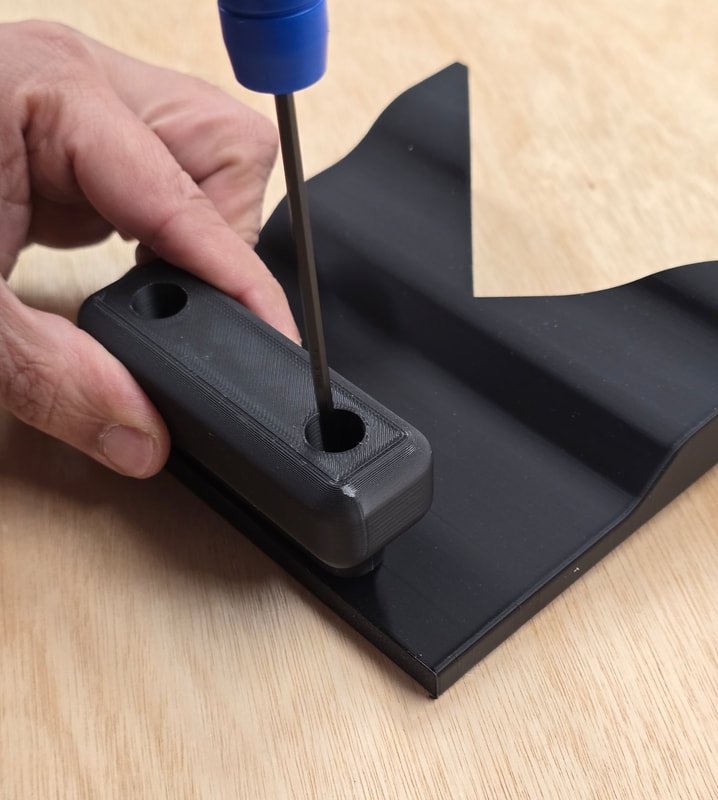
Attach the handle to the jig using the two M5x12mm screws provided
Step 2:
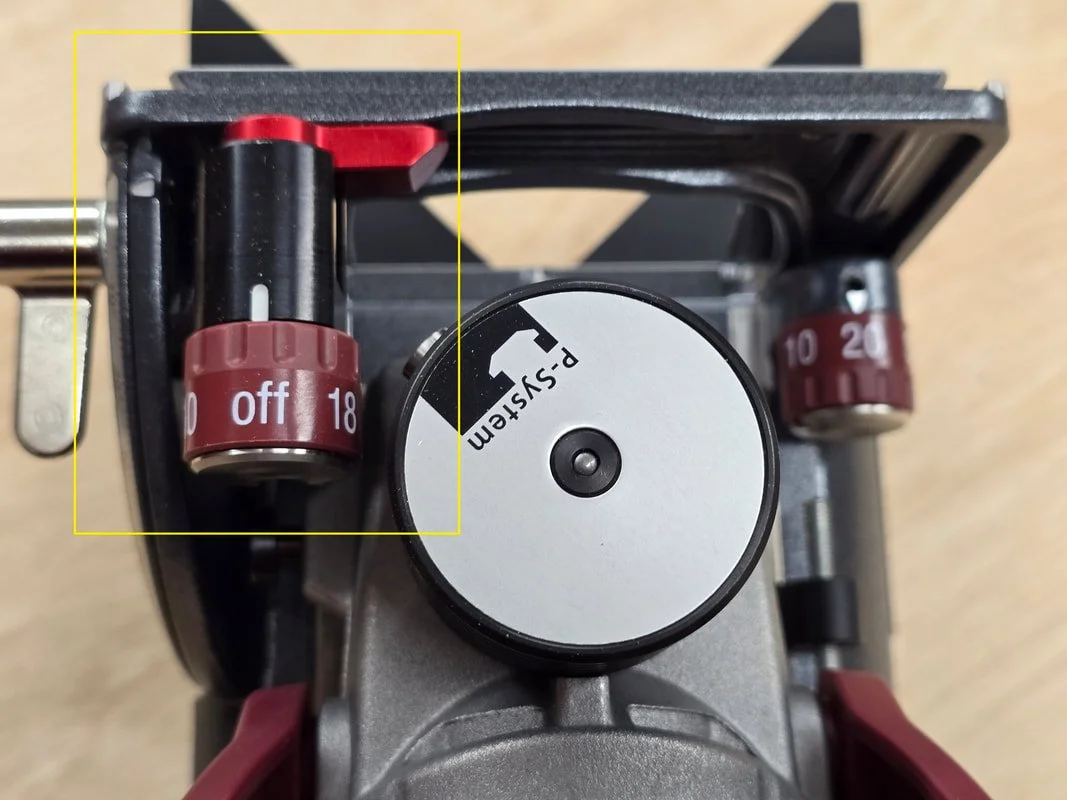
*IMPORTANT* - For the Lamello Zeta P2 only
Set the P-System function to the off position
For 4mm grooves use a biscuit blade and for 7mm grooves use the normal blade
Step 3:
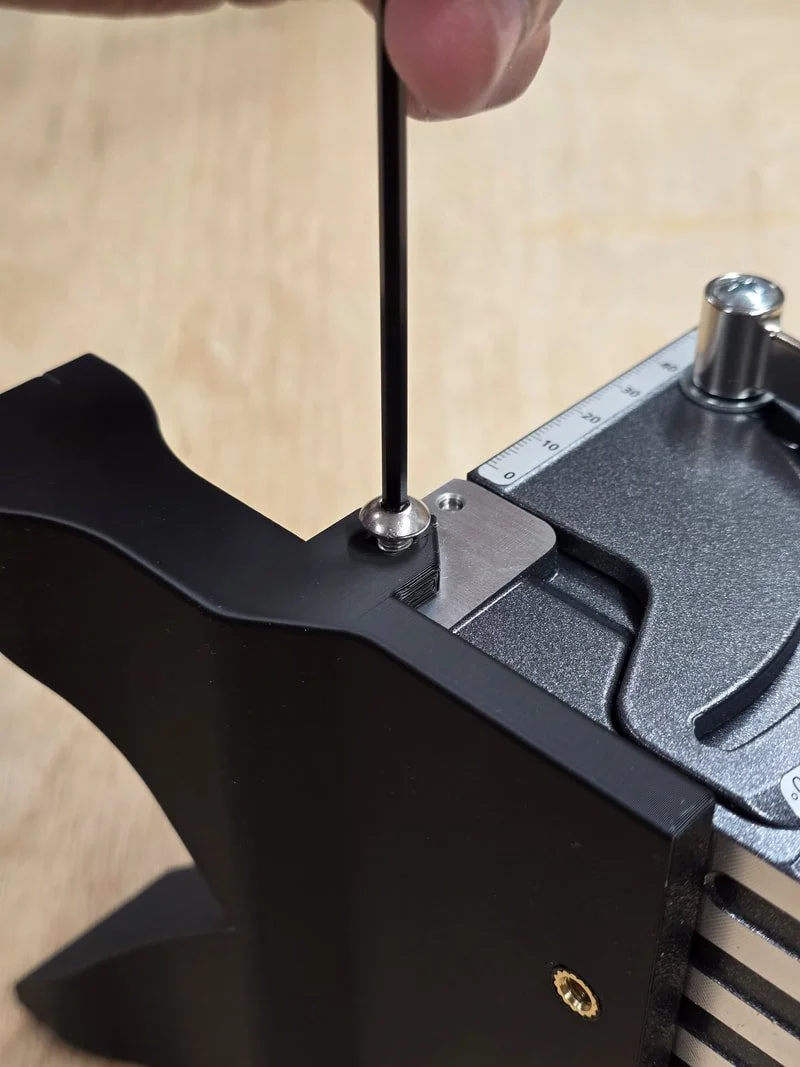
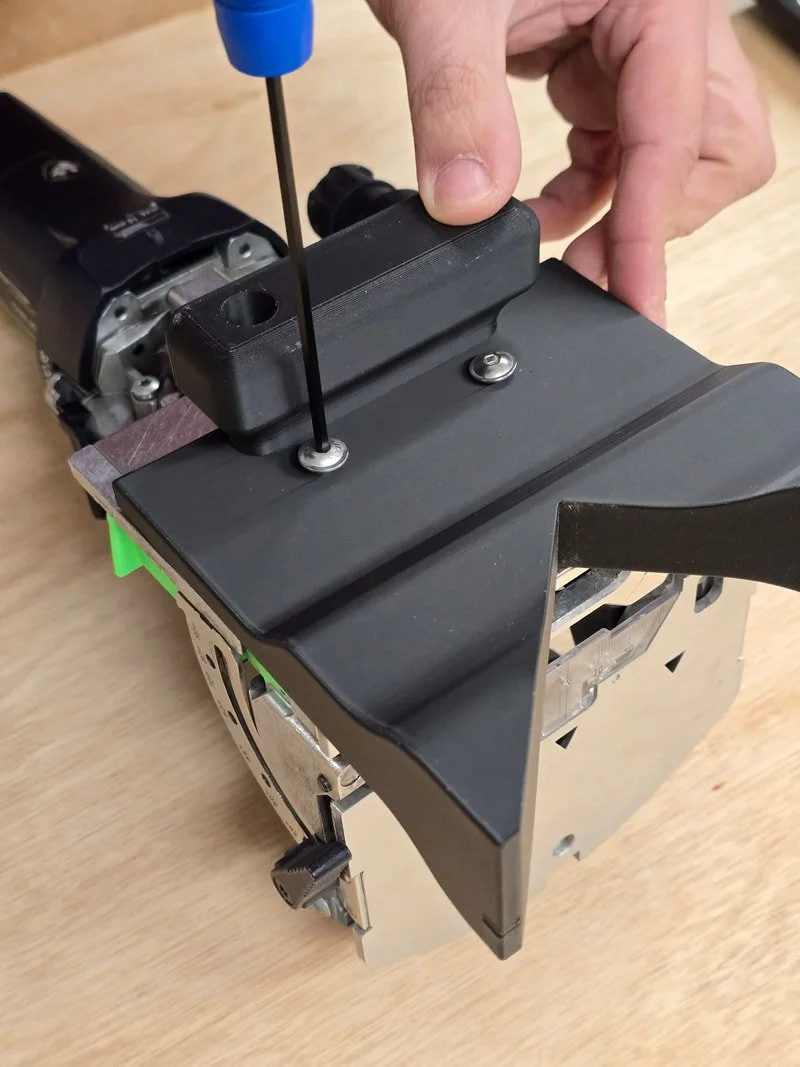
Attach the jig to the tool using the screws provided
Festool Domino use the M5 x 16mm screws
Lamello Zeta use the M5 x 10mm screws
Step 4:
Set the cut depths on your tool
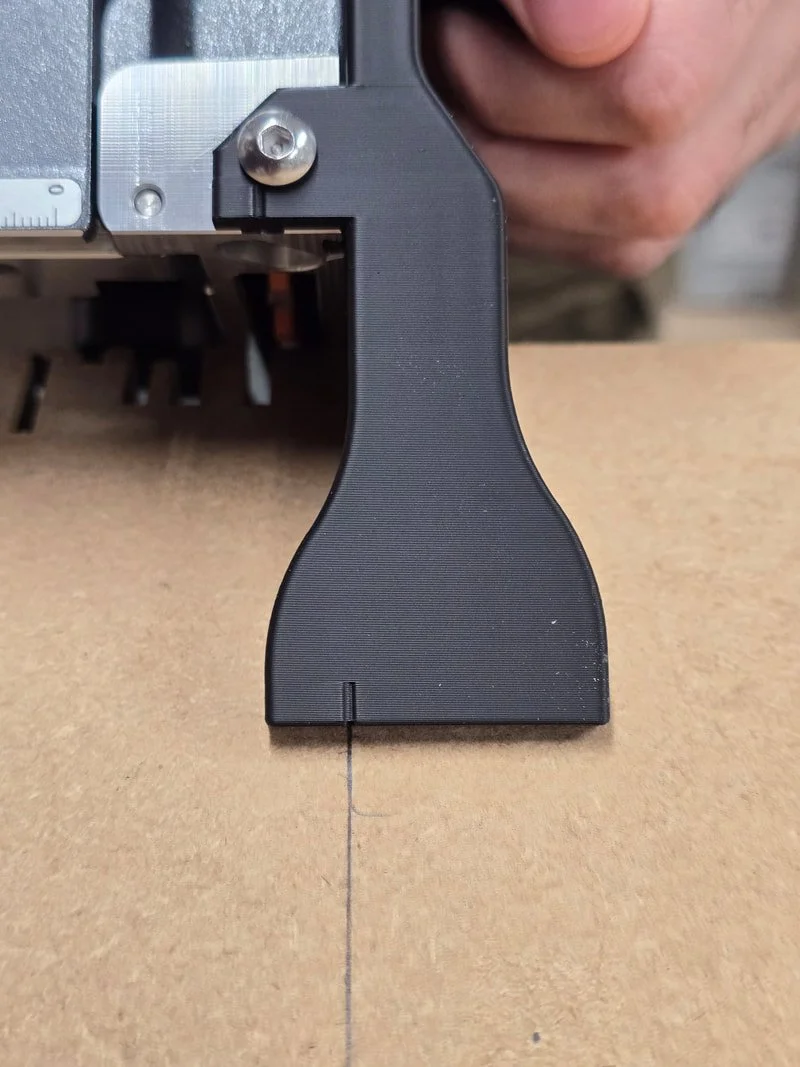
Mark your cut position on the material
Both Lamello and Festool are 10mm from the base to the centre of the cutter
Mark your line 10mm from where you want the centre of the cut to be, then align the indent on the jig to that line.
Safety Information:
PPE is always recommended e.g. safety goggles and hearing protection.